Penalty Shoot Out
Play Penalty Shoot Out on Mobile
One tap per penalty makes this Evoplay game a natural fit for a phone screen
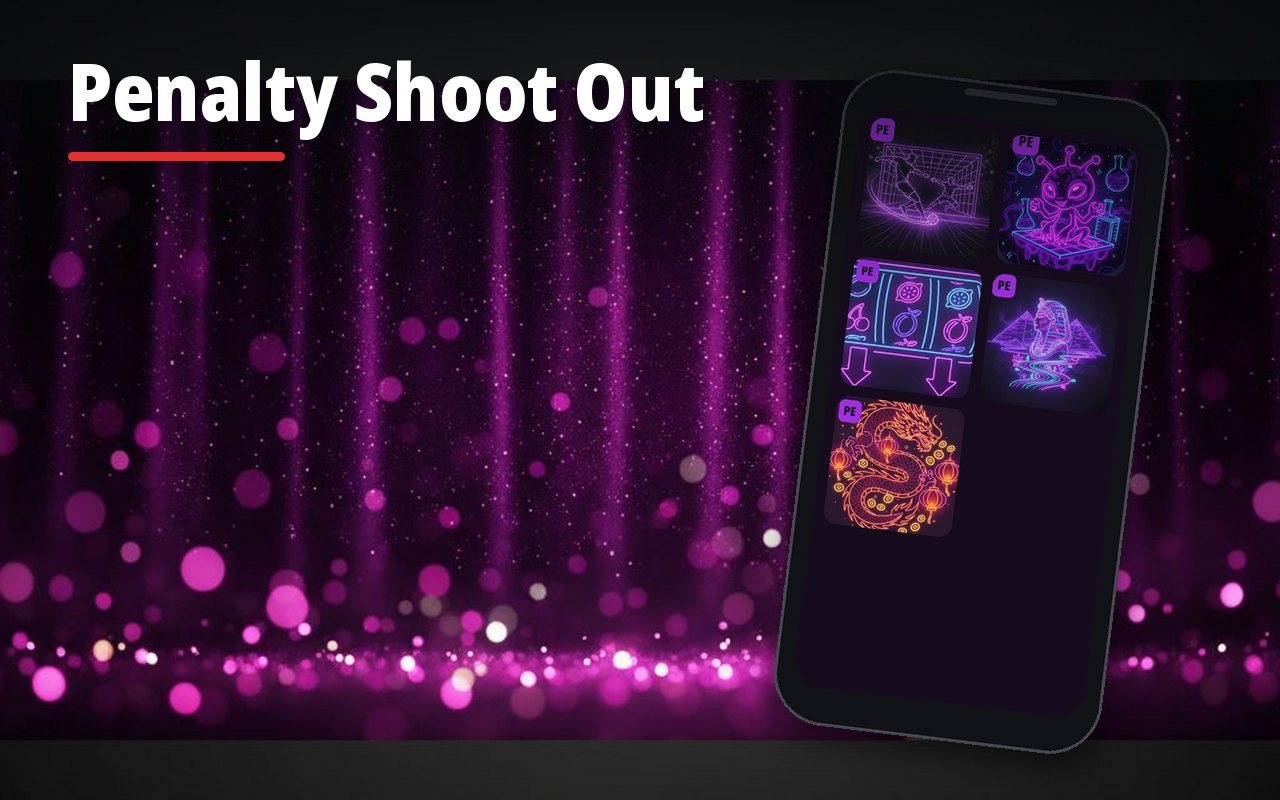
Overview
How it works
Open a UK casino that carries Evoplay games in your phone browser
Log in or register and complete age verification
Search for Penalty Shoot Out in the mobile lobby
Add the casino to your home screen for one tap access
Set a deposit limit in the account settings before playing
| Feature | Android | iOS |
|---|---|---|
| Browser play | Chrome, Samsung Internet, Firefox | Safari, Chrome |
| Home screen shortcut | Browser menu, Add to Home screen | Share, Add to Home Screen |
| Demo mode | At casinos that offer it | At casinos that offer it |
| Deposits and withdrawals | In the casino cashier | In the casino cashier |
| Dedicated game app | Not from the studio | Not from the studio |
Penalty Shoot Out mobile: how it plays on a phone
Each penalty takes one tap, and that is why the game works so well on a small screen. Penalty Shoot Out mobile play runs in the browser at UK casinos that carry Evoplay titles. The goal, the aim zones and the collect button are sized for touch, and the layout adapts to portrait and landscape.
Speed is the other reason players like it on the go. A series can last a few seconds. That makes it easy to play more rounds than planned, so we suggest deciding on a number of rounds or a budget before you start, just as you would at a desktop.
- Tap an aim zone to shoot
- Collect button stays visible after each goal
- Portrait and landscape layouts
- Same rules as the desktop version
The full rules are explained on our features and symbols page.
Results do not depend on the device, they come from the same random number generator.
Is there a Penalty Shoot Out app?
Evoplay does not publish a standalone Penalty Shoot Out app for UK players. The game is supplied to casinos and played inside their sites or apps. Some UK casinos have their own apps in the App Store or Google Play, and the game may appear in those apps if the casino carries Evoplay titles.
- No standalone game app from the studio
- Casino apps may include the game
- Browser play needs no download
- Avoid apps from unknown sources
An app claiming to be the official Penalty Shoot Out app with real money play outside a licensed casino should be treated with caution.
Home screen shortcut
A shortcut takes about ten seconds to set up and opens the casino like an app. On Android, open the casino in Chrome, tap the three dot menu and choose Add to Home screen. On an iPhone, open it in Safari, tap Share and choose Add to Home Screen. The shortcut always loads the current version of the site.
- Android: Chrome menu, Add to Home screen
- iPhone: Safari Share button, Add to Home Screen
- Log in once and check the session is remembered
Before playing for real on the phone, the Penalty Shoot Out demo is a good way to get used to the touch controls.
The shortcut uses no storage beyond a small icon.
Payments on mobile
Apple Pay and Google Pay are the quickest deposit methods on a phone at casinos that offer them. Debit cards, PayPal and Pay by Bank also work in the mobile cashier. Credit cards are banned for gambling in the UK, so they will not appear at licensed casinos.
- Apple Pay or Google Pay with one touch
- Debit card, PayPal or Pay by Bank
- Identity documents can be uploaded from the phone camera
Bonus terms for mobile deposits are the same as on desktop, see the bonus offers page.
Withdrawals usually return to the deposit method.
Fixing common mobile issues
Most loading problems come from an outdated browser, a full cache or a weak signal. If the game freezes in the middle of a series, the result is still recorded on the server, and the balance shows the outcome after reloading.
- Update the browser and the operating system
- Clear the browser cache and cookies
- Switch from mobile data to Wi-Fi
- Close other apps that use memory
Battery saving modes can slow animations, so it helps to switch them off for longer sessions. Private browsing windows sometimes block the cookies a casino needs to keep you logged in. If one browser keeps failing, trying another one often solves the problem. The casino support chat can check the game history if a result looks wrong.
Common Questions
Can I play Penalty Shoot Out on mobile?
Yes, the game runs in the mobile browser on Android and iOS at UK casinos that carry Evoplay games.
Is there a Penalty Shoot Out app?
There is no standalone app from the studio. Some casino apps include the game if the casino carries Evoplay titles.
Is the mobile version different from desktop?
The rules, multiplier ladder and collect button are the same. Only the layout adapts to the screen.
What happens if my connection drops during a series?
The result is recorded on the server. Reload the game and check the balance or game history.
Can I deposit with Apple Pay?
Many UK casinos accept Apple Pay and Google Pay. Check the cashier of your casino.